

Do you ever feel like staying organized is a constant battle thanks to ADHD? If so, you’re not alone. In 2026, more people are turning to smart digital solutions designed just for neurodiverse minds. That’s where an adhd digital planner comes in, helping you not just keep up, but actually thrive.
In this guide, you’ll find proven ways to use digital planners for ADHD, from must-have features to simple setup steps. You’ll get real-life strategies for daily use, tips for syncing with your favorite tools, and expert advice for making it all stick. Ready to discover what works best for you? Let’s dive in.
Understanding ADHD and the Need for Specialized Planners
Struggling to keep life organized, even with the best intentions? If you have ADHD, you know how quickly plans can go off track. Let’s break down why the right tools matter and how the landscape is changing for anyone searching for the perfect ADHD digital planner.
Unique Challenges of ADHD Organization
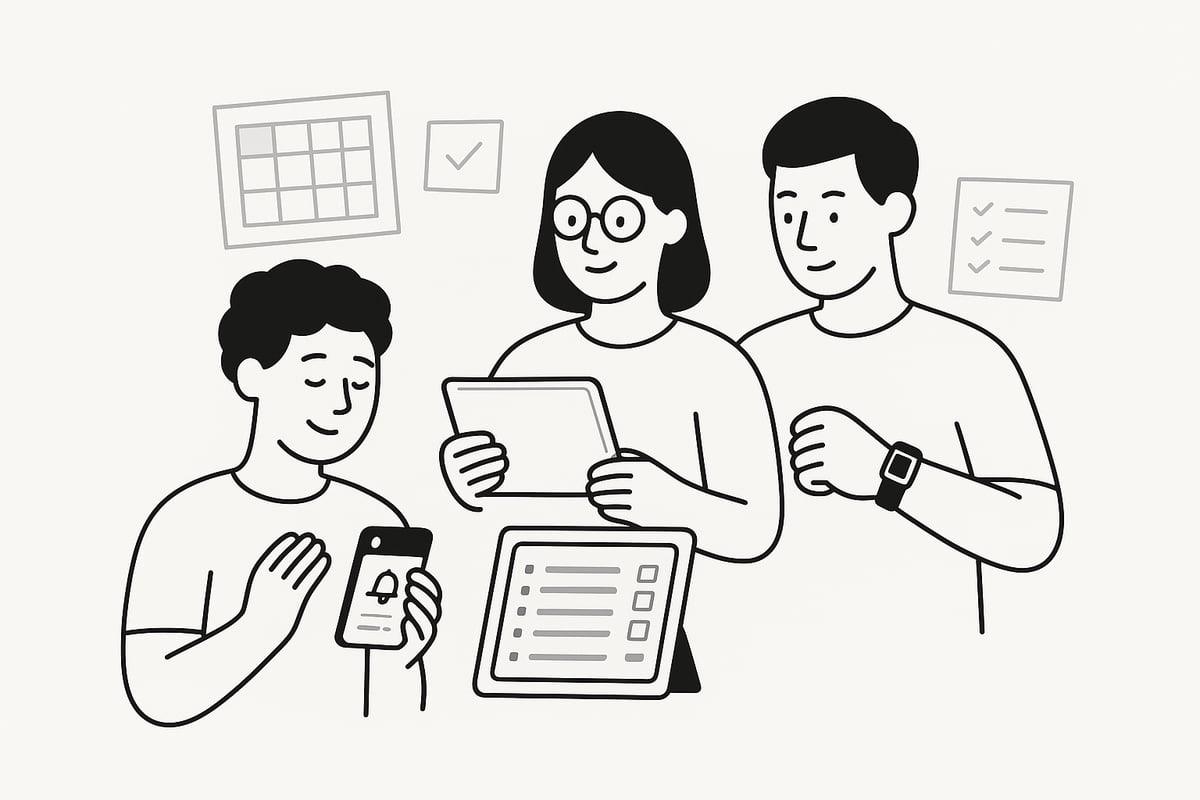
People with ADHD often wrestle with distractibility, forgetfulness, impulsivity, and time blindness. These symptoms make daily planning tricky. You might forget appointments, miss deadlines, or feel overwhelmed by unfinished tasks.
Here’s what recent survey data shows:
| Preference Type | Percentage of ADHD Adults |
|---|---|
| Paper Planners | 61% |
| Digital Planners | 39% (and rising) |
Coaches and clinicians agree: reminders and visual cues are essential. For many, an ADHD digital planner offers adaptive tools to keep everything visible and manageable. Imagine having a dashboard that gently nudges you before you forget something important. That’s the kind of support many ADHD experts now recommend.
Why Traditional Planners Fall Short
Standard planners rarely offer the flexibility or customization needed for ADHD brains. Paper planners can get misplaced, damaged, or simply ignored after a busy week. Some users find digital tools overwhelming, but others thrive when their planner is always accessible across devices.
Common failed attempts include:
Missing deadlines because a paper planner stayed at home
Losing track of tasks in a crowded, generic app
Abandoning planners after a few weeks due to lack of motivation
This is where an ADHD digital planner can bridge the gap. Specialized features like recurring reminders, color coding, and easy customization make these planners far more effective for neurodiverse users. The right system can be the difference between chaos and calm.
The Rise of ADHD Digital Planners in 2026
In 2026, demand for neurodiverse-friendly digital productivity tools has soared. Modern ADHD digital planner apps now integrate with wearable tech, AI, and voice assistants, making them more adaptive than ever. Community feedback shapes new features, ensuring real needs are met.
Market data shows a steady increase in ADHD-specific digital planner downloads each year. Early adopters share stories of improved focus and fewer missed deadlines. Many are now blending paper and digital systems, enjoying flexibility without losing structure. If you’re searching for lasting strategies, the evolution of ADHD digital planners in 2026 offers more options than ever before.
Key Features of an Effective ADHD Digital Planner in 2026
Ever wonder what sets a truly effective adhd digital planner apart in 2026? Let’s break down exactly what to look for so you can finally find a system that works for your unique brain.
Essential ADHD-Friendly Features
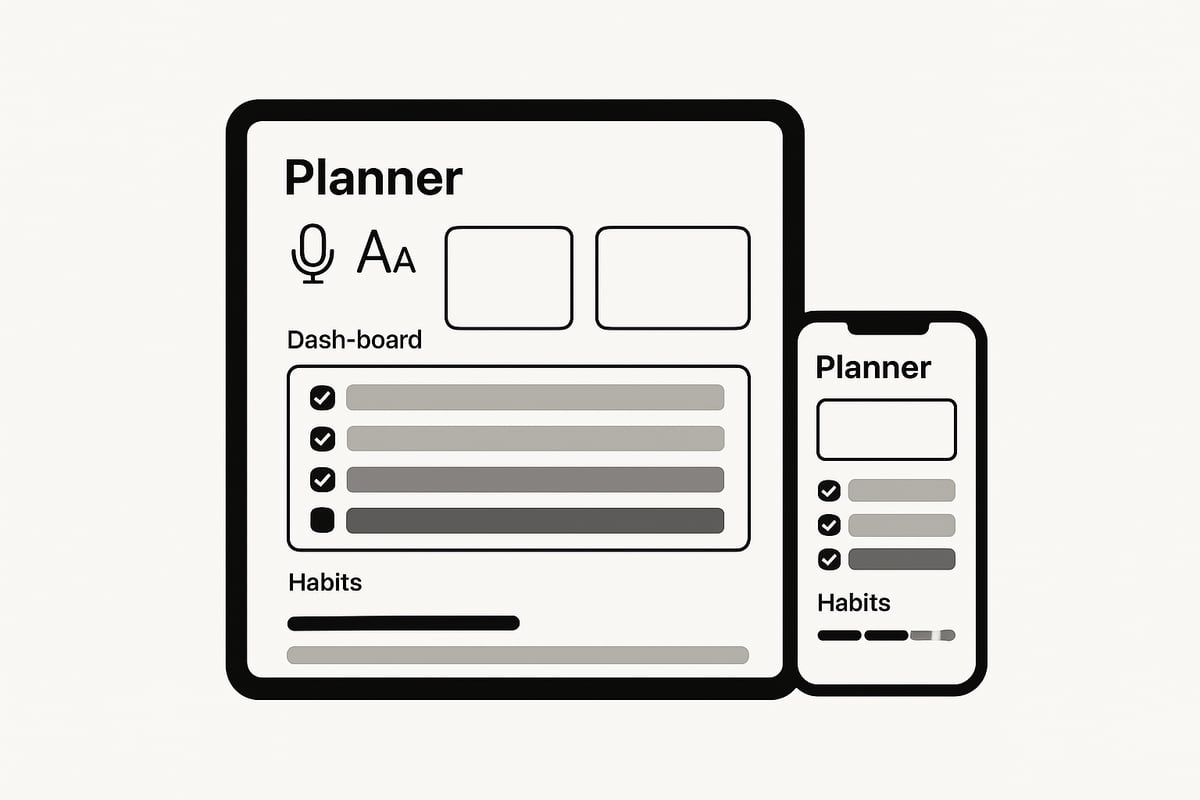
An adhd digital planner in 2026 should be built for clarity and flexibility. Customizable dashboards let you organize your day visually, with color coding and tagging so nothing slips through the cracks. Built-in reminders, alarms, and notifications keep you on track, while focus timers and distraction-blocking modes help you stay present.
Integration is key. Sync your planner with calendars, emails, and to-do lists for seamless management. For example, set recurring reminders for medication, appointments, or daily tasks, so you no longer worry about forgetting the essentials. If you want to explore how templates can jumpstart your setup, check out this Notion planner templates guide for inspiration on customizing your adhd digital planner.
Accessibility and Ease of Use
You need an adhd digital planner that’s as easy to use as jotting a note on paper. Look for an intuitive interface with minimal setup, so you can jump in without frustration. Features like voice entry and quick-add options let you capture thoughts on the go, while cross-device syncing ensures your planner is always with you—on your phone, tablet, desktop, or even a wearable.
Offline access is a must for uninterrupted productivity, especially if you’re on the move. Accessibility features such as large fonts and high-contrast themes make it comfortable for neurodiverse users. Many people prefer a planning tool that is always visible and accessible, making the adhd digital planner a reliable daily companion.
Personalization and Motivation Tools
An adhd digital planner should keep you motivated, not just organized. Look for built-in habit trackers and visual progress tools to celebrate your wins. Goal-setting modules break big dreams into achievable micro-steps, while gamification elements like achievement badges and streaks add a fun, rewarding twist.
Journaling and “brain dump” sections help clear your mind, and mood tracking or daily reflections let you monitor your well-being. These features keep you engaged, making it easier to stick with your adhd digital planner long term and actually enjoy the process.
Privacy, Security, and Data Management
Privacy matters, especially with sensitive personal data. The best adhd digital planner options in 2026 offer secure cloud storage and strong data encryption, so your information stays safe. You control what you share and with whom, thanks to detailed privacy settings.
Need to switch tools or back up your data? Export and import features make transitions smooth. Top planners also comply with accessibility and privacy regulations, giving you peace of mind while you stay organized.
Step-by-Step: Setting Up Your ADHD Digital Planner for Success
Setting up your ADHD digital planner for 2026 doesn’t have to be overwhelming. Let’s break down the process into clear steps so you build a system that actually works for you, not against you.
Choosing the Right Digital Planner in 2026
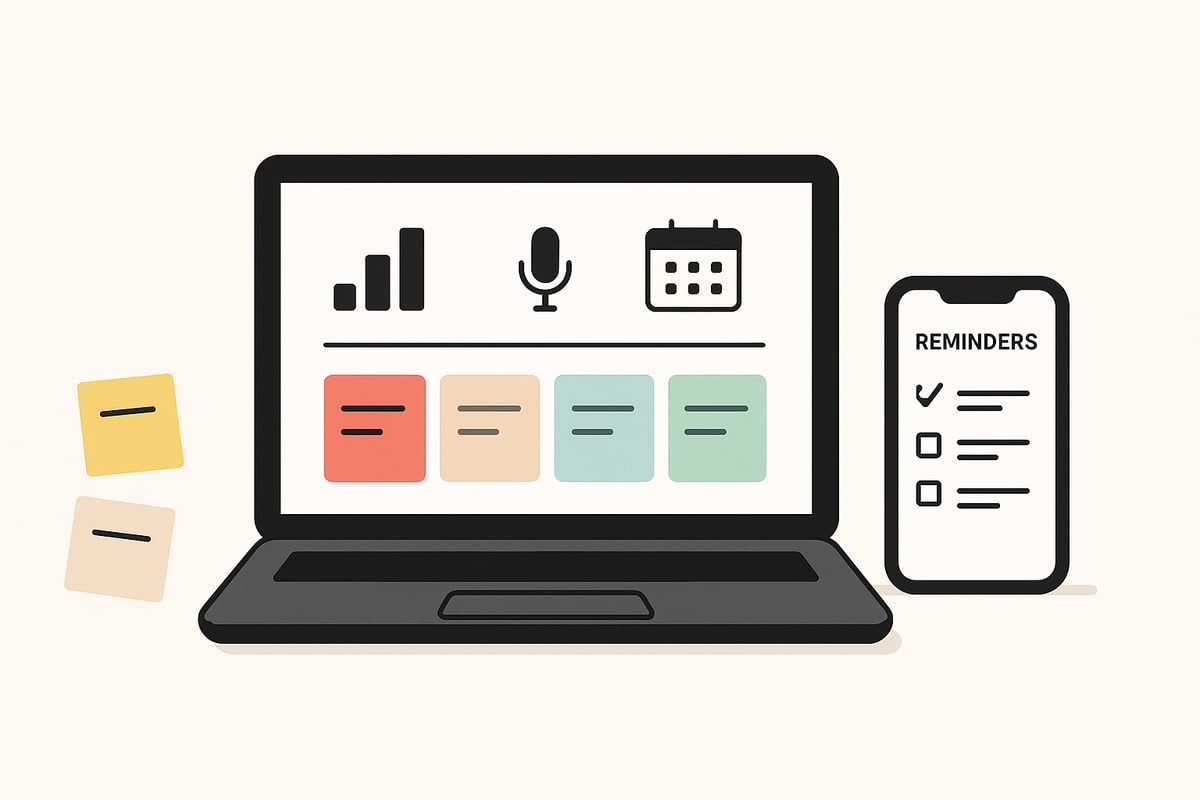
First, think about what you want your adhd digital planner to help you manage. Is it work, school, health, or a combination? Make a list of must-have features, such as recurring reminders, color coding, or voice input.
Next, compare top-rated planners for 2026. Look at their feature sets, ease of use, compatibility with your devices, and costs. Read user testimonials and reviews to see how each option supports ADHD needs. Most platforms offer free trials—take advantage so you can test before committing. For example, Pam found her perfect fit by trying planners with robust reminder systems until she found one that kept her on track.
Initial Setup and Customization
Once you’ve chosen your adhd digital planner, it’s time to get it ready for daily use. Start by creating dashboards for daily, weekly, and monthly planning. Import your existing calendars and contacts so everything is in one place.
Set up recurring reminders and alarms for important tasks like medication or appointments. Use color coding and tags to highlight priority items. Adjust notification settings so they support you without causing overwhelm. For instance, you might schedule medication reminders at specific intervals, ensuring you never miss a dose.
Personalizing for ADHD Success
To make your adhd digital planner truly work for you, add features that support your unique brain. Include habit trackers, goal-setting modules, and areas for “brain dumps” or journaling. Customizing the visual layout can help reduce distractions and keep you focused.
Shortcuts for frequent actions and voice commands make planning quick and easy, especially on the go. Mood tracking and achievement badges can boost motivation on tough days. If you’re looking for inspiration, check out these Notion habit tracker templates to jumpstart your routine and stay consistent.
Syncing and Integrating with Other Tools
Your adhd digital planner should fit seamlessly into your digital life. Connect it with your email, calendar, and to-do apps for streamlined organization. Enable cross-device sync so you can access your planner on your phone, tablet, desktop, or even a wearable device.
Smart assistant integration (like Google Assistant) lets you add tasks or get reminders hands-free. This way, your planner is always accessible, no matter where you are or what device you’re using.
Daily Use Strategies: Making the Most of Your ADHD Digital Planner
Feeling like your day slips away before you even start? You are not alone. Using an adhd digital planner can help you turn chaos into clarity, but the real magic happens in your daily habits. Let us explore how you can get the most out of your planner—one small win at a time.
Building Consistent Planning Habits
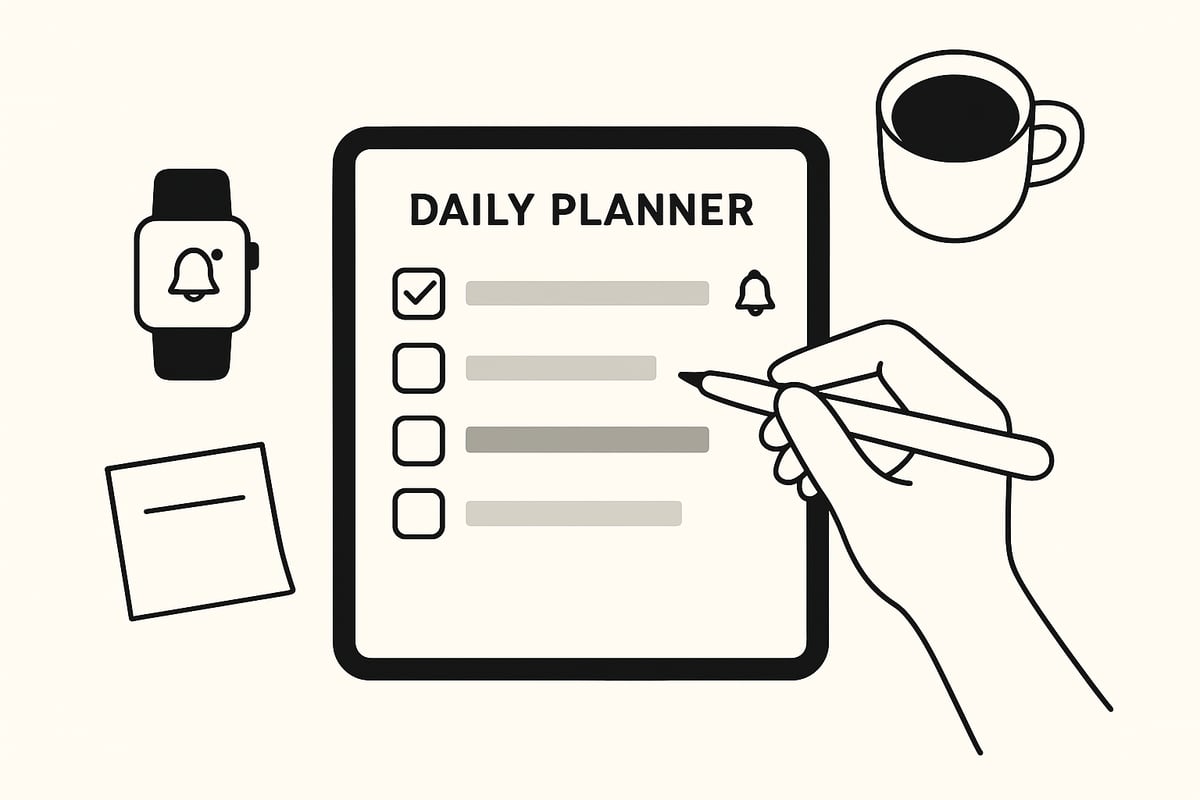
Consistency is the secret sauce for making your adhd digital planner work for you. Start by setting a daily review routine—maybe a quick check-in each morning or before bed. Use reminders and alarms so you never forget to open your planner, even on busy days.
Try setting realistic daily goals instead of overwhelming yourself with a giant to-do list. Time blocking can help you carve out focus sessions. Pair your planner with a visual timer for extra structure. Need more tips? Check out Organize your life with Notion for fresh ideas on building digital routines that stick.
A little structure goes a long way. The more you interact with your adhd digital planner, the more natural it will feel to rely on it every day.
Managing Tasks and Reducing Overwhelm
Large projects can feel like mountains, but your adhd digital planner can break them down into bite-sized steps. Use color coding and urgency tags to see what needs attention first. Prioritize your list so it feels manageable.
Checklists and progress bars offer a quick sense of accomplishment. Delegate or schedule recurring tasks so nothing falls through the cracks. Imagine managing your work, home, and self-care—all in one dashboard. With the right setup, your adhd digital planner becomes a safety net for your busy mind.
Staying Accountable and Motivated
Motivation can fade, but your adhd digital planner can keep you on track. Habit trackers and streaks turn consistency into a game. Share your progress with a friend, coach, or support group for added accountability.
Reflect on your wins each week, and note areas for improvement. Mood tracking can reveal patterns between your productivity and how you feel. Setting up regular review sessions helps you celebrate progress and adjust your strategies. Your adhd digital planner is more than a tool—it is your daily teammate.
Troubleshooting Common ADHD Planning Challenges
Sometimes, even the best systems hit a snag. Planner fatigue or avoidance is normal. If you feel overwhelmed, tweak your notification settings, or take a short break from digital and switch to paper for a day.
Rotate between digital and paper if you need extra flexibility. If you get stuck, reach out to the ADHD community or a professional for advice. Remember, your adhd digital planner is there to support you, not stress you out. Try new approaches until you find what clicks.
Integrating ADHD Digital Planners with Other Productivity Tools
Ever feel like your planner is just one more thing to keep track of? You’re not alone. For many, the magic happens when your adhd digital planner works in harmony with your favorite productivity tools. Let’s break down how you can make the most of both digital and analog systems, wearables, and collaborative features to create a planning setup that truly sticks.
Combining Digital and Paper Systems
Let’s face it, sometimes jotting a quick note on paper just feels right. Many folks with ADHD find that blending analog and digital methods is the sweet spot. With an adhd digital planner, you can capture big-picture goals and deadlines, while still scribbling reminders on sticky notes.
Recent surveys show that 61% of ADHD adults still use paper, yet digital adoption is climbing fast. The hybrid approach offers flexibility and redundancy. You might draft a to-do list on paper, then snap a photo or scan it into your planner app for safekeeping. If you’re looking to build a more robust system, check out this guide on creating a second brain Notion setup to organize notes and reminders seamlessly.
Some users even color-code their sticky notes to match digital tags, reducing confusion. The key is syncing both systems without duplicating effort. Many adhd digital planner apps now let you import handwritten notes, making this hybrid workflow smoother than ever.
Leveraging Wearables and Smart Devices
Imagine your adhd digital planner tapping you on the wrist when it’s time for a meeting or reminding you to take a break while you’re out and about. That’s the power of integrating wearables and smart devices. With smartwatch notifications and voice assistant integrations, you can manage tasks without ever pulling out your phone.
Set up location-based reminders so your adhd digital planner nudges you when you reach the grocery store or a friend’s house. Many users rely on assistants like Google or Alexa as a “second brain,” capturing tasks on the fly with a simple voice command.
These integrations provide immediate, context-aware alerts, helping you stay on track no matter where you are. The best part? You can customize which notifications come through, so you’re not overwhelmed by constant buzzing.
Collaboration and Sharing Features
Life’s complicated, and sometimes you need to coordinate with others. Most adhd digital planner apps now support shared calendars, making it easy for families, teams, or care partners to stay in sync. Assign tasks, set deadlines, and get real-time updates when someone checks off a shared to-do.
Privacy is also a top priority. You control what you share and with whom, so sensitive details stay private. For parents managing a child’s schedule or professionals working on group projects, these features are a game changer.
Real-time collaboration keeps everyone on the same page. If you ever feel stuck, some planners even offer support groups or chat options, so you’re never planning alone.
Expert Tips and Real-World Success Stories
Feeling overwhelmed by planning tools? You’re not alone. Many people with ADHD struggle to find a system that truly works for their unique needs. The good news is, expert insights and real-world experiences show that the right adhd digital planner can make a huge difference.
ADHD Coach and User Insights
Experts agree: consistency matters. ADHD coaches recommend starting small, building a simple routine with your adhd digital planner, and celebrating every win. Common pitfalls include overloading your planner or ignoring reminders, which can lead to “planner paralysis.”
One ADHD coach shares, “Success comes from customizing your planner and making it a part of your daily rhythm.” Clinical data shows digital planners improve time management and reduce missed appointments for adults with ADHD. The ADHD Apps Market Growth Forecast highlights that more people are turning to digital solutions, reinforcing the value of finding the right system for you.
Customizing for Life Stages and Roles
Your adhd digital planner should grow and change with you. Students often use academic modules to track assignments and deadlines, while professionals benefit from integrated work calendars and meeting reminders. Parents can manage family routines, medication reminders, and shared calendars for smoother days.
As your life evolves, your planner can adapt. For example, a student transitioning to a new job might shift focus from class schedules to project management and networking tasks. The flexibility to add or remove modules keeps your adhd digital planner relevant, making it a powerful tool no matter your role or life stage.
Staying Flexible and Adapting in 2026
The best advice? Stay curious and open. Regularly review your adhd digital planner setup, tweak what isn’t working, and don’t be afraid to try new features. Digital planner apps in 2026 are rolling out AI-driven suggestions and automation, making it easier to personalize your experience.
Joining ADHD communities or online support groups can help you stay motivated and discover new strategies. The Mental Health and Technology 2026 Report shows comfort with digital tools is growing among neurodiverse users. Experiment, connect, and remember: your adhd digital planner is there to support your unique journey.
You’ve seen how the right ADHD digital planner can make a real difference—custom dashboards, reminders, and all those little features that actually fit the way your brain works. But maybe you’re thinking, “How do I pull all these ideas together in one place?” Here’s what I’d do: take the next step and plan your entire life in Notion. It’s a simple way to organize everything—tasks, goals, routines—without feeling overwhelmed. Why not give yourself the chance to finally feel on top of things? Let’s make 2026 your most organized (and least stressful) year yet.